
Your PDF, as a QR. Done.
Pick a file on your phone and within seconds you have a code ready to print or share. Whoever scans it opens your PDF without installing a thing.
Make my QR on Google Play4.3 out of 5 on Google Play in the US, 2,165 ratings overall (checked Nov 4, 2026). 50K+ downloads according to Google Play. Android app.
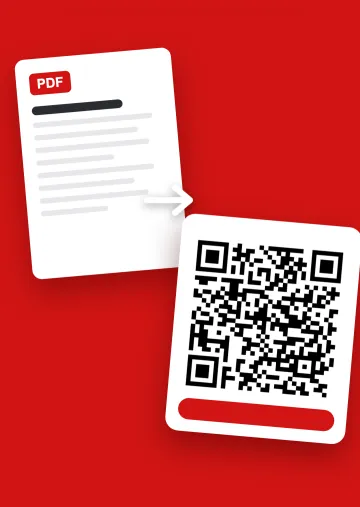
Three steps, no more
Pick the file
A PDF on your phone, or photos of a paper document.
It goes to your Drive
The app saves it to your own Google Drive, under your account.
Print or share
Download the QR, scan it to test, and put it wherever you need it.
Your file doesn't end up on a stranger's server
Plenty of web generators host your PDF themselves, often with size limits or time limits. Here the PDF stays in your Google Drive, and the QR points to it.
You're in charge
You decide who sees it and can delete it whenever you like. Delete it, and the QR stops opening it.
Keep the printed code
As long as the file stays in your Drive, the printed code keeps opening it. More on a PDF QR code with no expiration.
You need a Google account
That's the trade-off: you sign in to create the code. People scanning it don't need anything.
What people use it for
- Restaurant and bar menus
- Catalogs, brochures and price lists
- Wedding, event and conference documents
- Manuals, spec sheets and certificates
- Notes, papers and class materials
Running a restaurant and want to change prices without touching a PDF? See Menú QR, the digital menu maker. New to this? Here's how to make a QR code for a PDF that works. Already have the file in the cloud? See how to make a QR code for a Drive file.
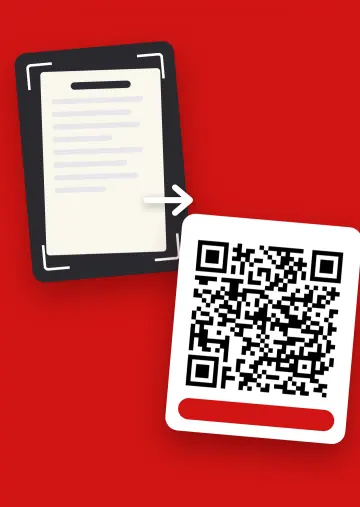
On paper? Take a photo
Snap the document and the app turns it into a QR all the same. Handy for a printed menu or a sheet you don't have digitally.
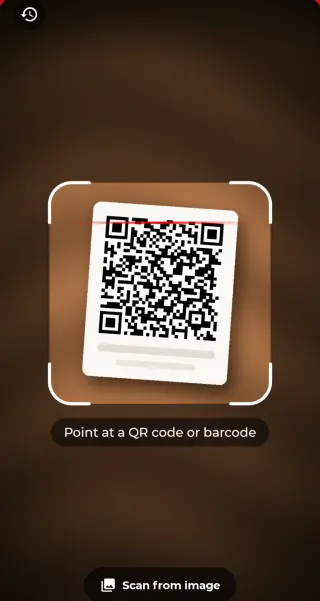
It reads codes, too
Scan QR codes and barcodes with the camera or from an image: websites, WiFi networks, contacts, maps or products. With flashlight and history.
What you get, no fine print
To start
1 QR from a PDF and 1 from a photo included, with ads.
Need another?
Each extra QR is paid for on the spot, and you see the price before you create it.
PRO
Unlimited QR codes, dynamic QR codes to swap the PDF behind a printed code, and no ads. Monthly or yearly, cancel from Google Play.
Common questions
Does the person scanning need an app?
No. Their phone's camera is enough: the code opens the PDF in a browser.
Can I change the PDF after printing the code?
Yes, with a dynamic QR code, which is part of PRO. Swap the content and the printed code shows the new version.
Where is my file stored?
In your own Google Drive. You decide who sees it and can delete it at any time.
Does it only work with PDFs?
No. It also handles photos, Word, Excel, PowerPoint, audio and video, among other formats.
What is a dynamic QR code?
One whose content you can change without changing the printed code. In the app it is part of PRO. More in dynamic vs static QR codes.
Can it read a QR code saved in a photo?
Yes. The app's reader scans codes from an image in your gallery, screenshots included.
Can I add my logo to the QR code?
Yes. When the code is created, tap the button to add a logo and pick the image. Scan it afterwards to check it still reads well.
Does it work with a large PDF?
Yes. The limit is the free space in your Google Drive, and the app tells you if it doesn't fit. A very heavy file is slow to open on mobile data, though.
Is there an iPhone version?
No, the app is Android only. The codes it creates open on any phone.